The copy workflow your team has been patching with spreadsheets and email threads.
Brief Engine turns campaign intent into structured input. Brand Voice Profiles lock the tone. Channel Adapters shape each output. Review & Approval closes the loop — in the tool, not in your inbox. Four connected pieces. One copy cycle.
Start with what you know. The brief does the heavy lifting.
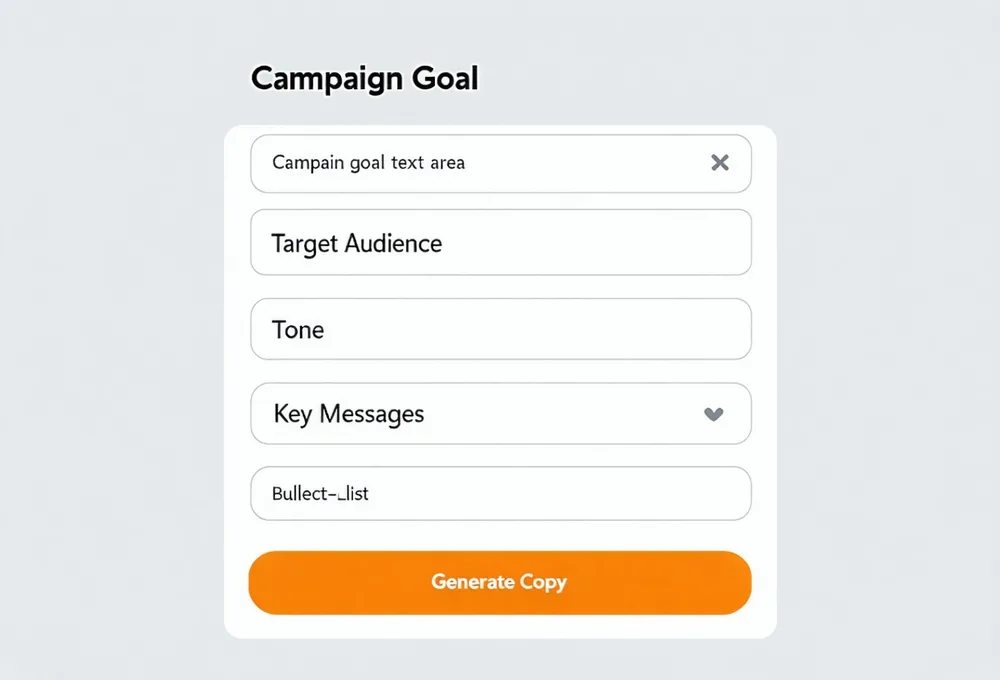
The Brief Engine is a structured input form — not a blank text box. Fill in campaign goal, target audience, tone, and key messages. Quillpilot uses your brand voice profile to handle the rest.
- Structured fields: campaign goal, audience segment, tone, key messages
- Reusable brief templates for recurring campaign types
- Brief history — reference and clone past campaigns
Define once. Apply across every output, automatically.
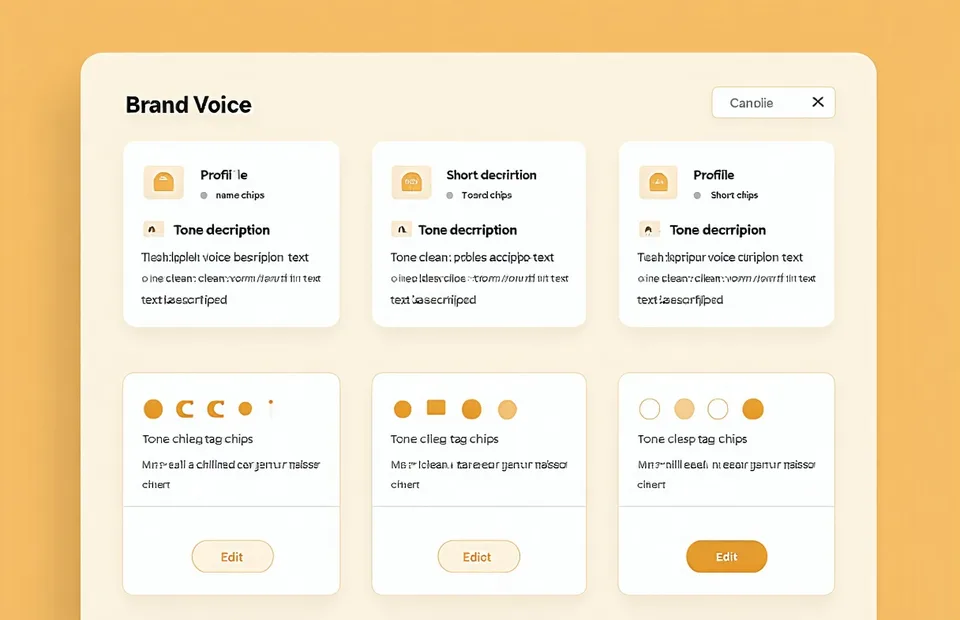
Create a Brand Voice Profile by setting tone attributes, documenting approved vocabulary, and adding example phrases your team actually uses. Quillpilot references the profile on every generation run — so you're never approving voice corrections, only copy decisions.
- Tone sliders: formal-to-conversational, direct-to-playful, and more
- Approved vocabulary library with preferred and avoided terms
- Multiple profiles for different product lines or brand personas
Each channel has rules. Quillpilot follows them by default.
Email subject lines aren't LinkedIn hooks. LinkedIn hooks aren't landing page headlines. Channel Adapters encode the structural and tonal rules for each output — so the same brief generates channel-appropriate copy without manual rework.
- Email: subject line formula, body tone, PS line rules
- LinkedIn: hook format, length cap, hashtag preferences
- Landing: headline pattern, hero subhead length, CTA phrasing
From generation to approved — without leaving the tool.
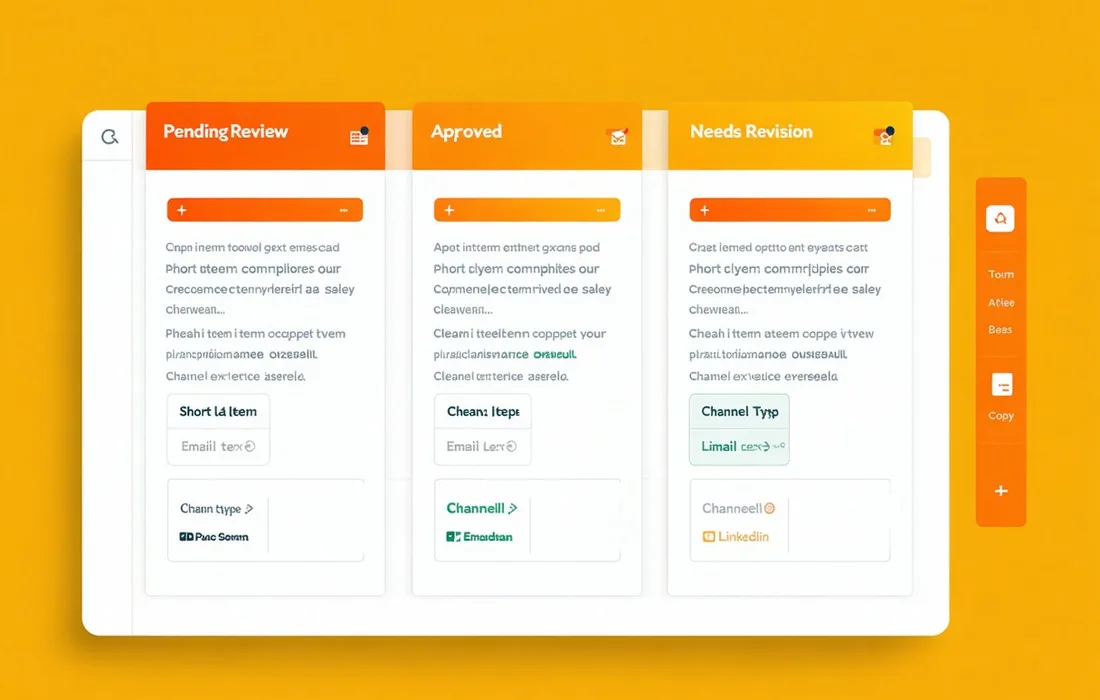
Generated copy flows into a review board where teammates can comment, request edits, and approve — all without forwarding documents or managing email threads. Every copy item has a status. No ambiguity about what's ready to ship.
- Kanban-style review board: Pending, Approved, Needs Revision
- Inline comments anchored to specific lines
- One-click export to HubSpot, Mailchimp, Google Docs, Notion
Approved copy exports directly to your stack
No manual copy-paste. Once a piece is approved in Quillpilot, it goes straight into the tool that publishes it. Quillpilot is not the place you publish — it's where copy gets made and signed off.
Your next brief runs in five minutes.
Start free — 14-day full Studio access, no credit card. See how fast a brief becomes approved copy when the workflow is actually designed for it.